User Guide
Home Screen
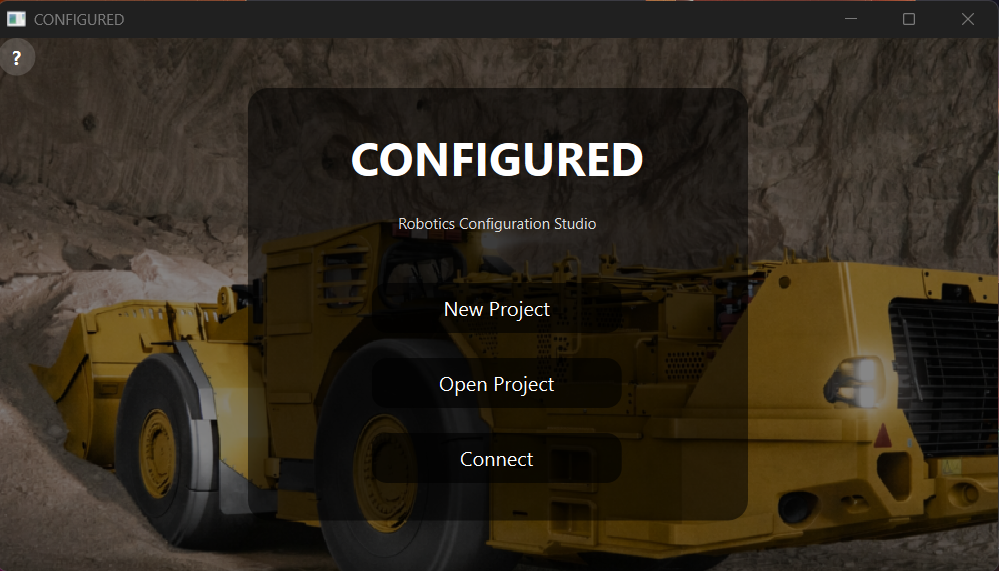
The home screen provides entry points for project work and help.
Creating Or Opening Projects
From the home screen, you can create a new project, open an existing
.configured file, clone a remote Git repository, or open the help screen.
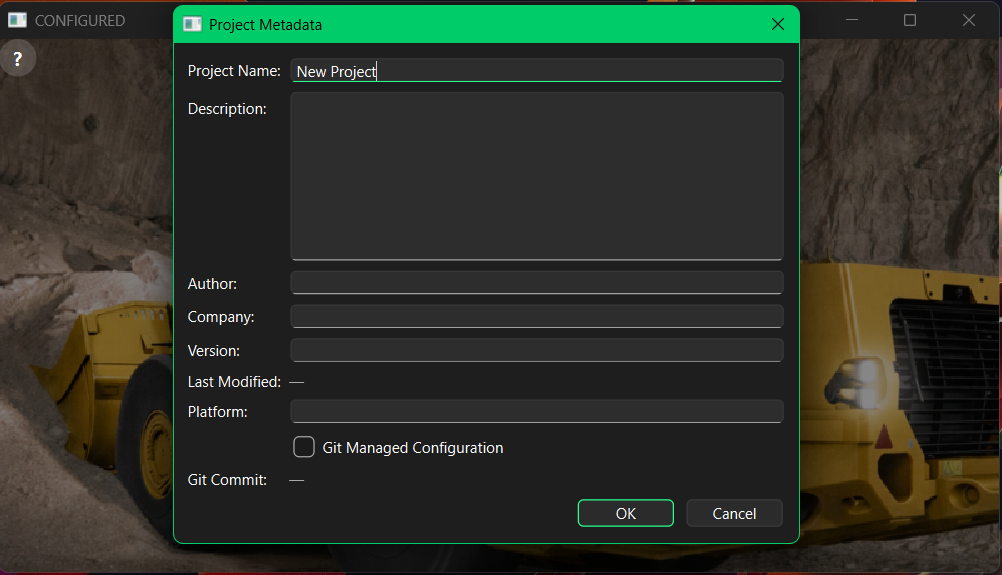
New projects collect metadata such as project name, version, platform, author, company, Git-managed state, and project location.
Editing Configuration
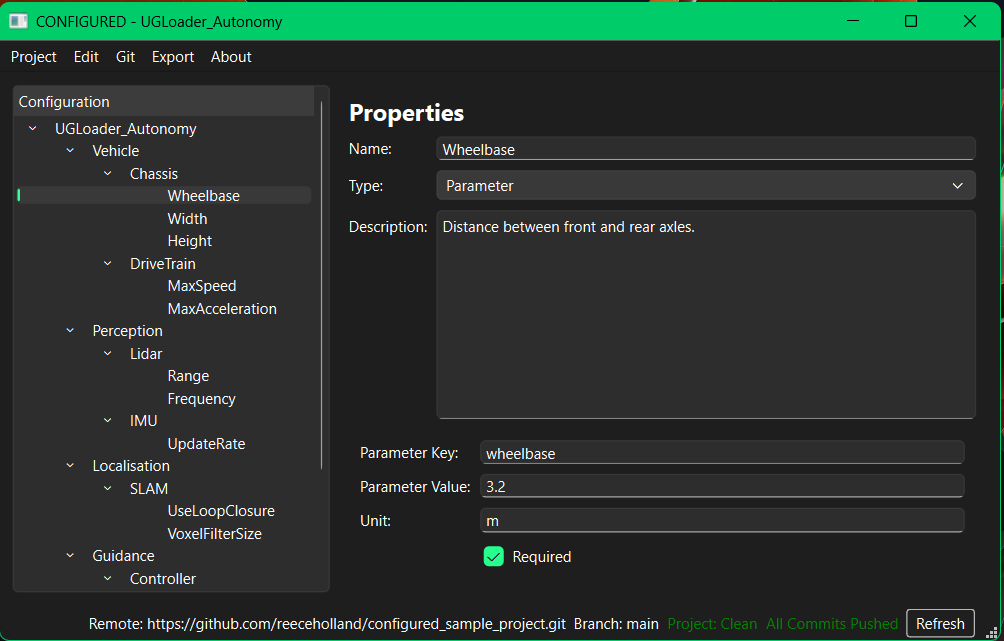
The editor stores configuration as a hierarchy:
System
  Subsystem
    Component
      Parameter
Parameters include a key, value, unit, and required flag. The editor validates fields while you work and highlights invalid entries.
Validation
The application validates:
required project names
filesystem-safe project names
valid item names
required parameter keys and values
duplicate parameter keys
Saving And Exporting
Projects are saved as .configured files. Parameters can be exported to JSON
or XML from the export menu.
Git Workflows
Git-managed projects support status, identity configuration, commit, branch switching, pull, push, and remote connection workflows. Remote clone runs in the background so the application stays responsive while repositories are fetched.